 Guillermo Zaandam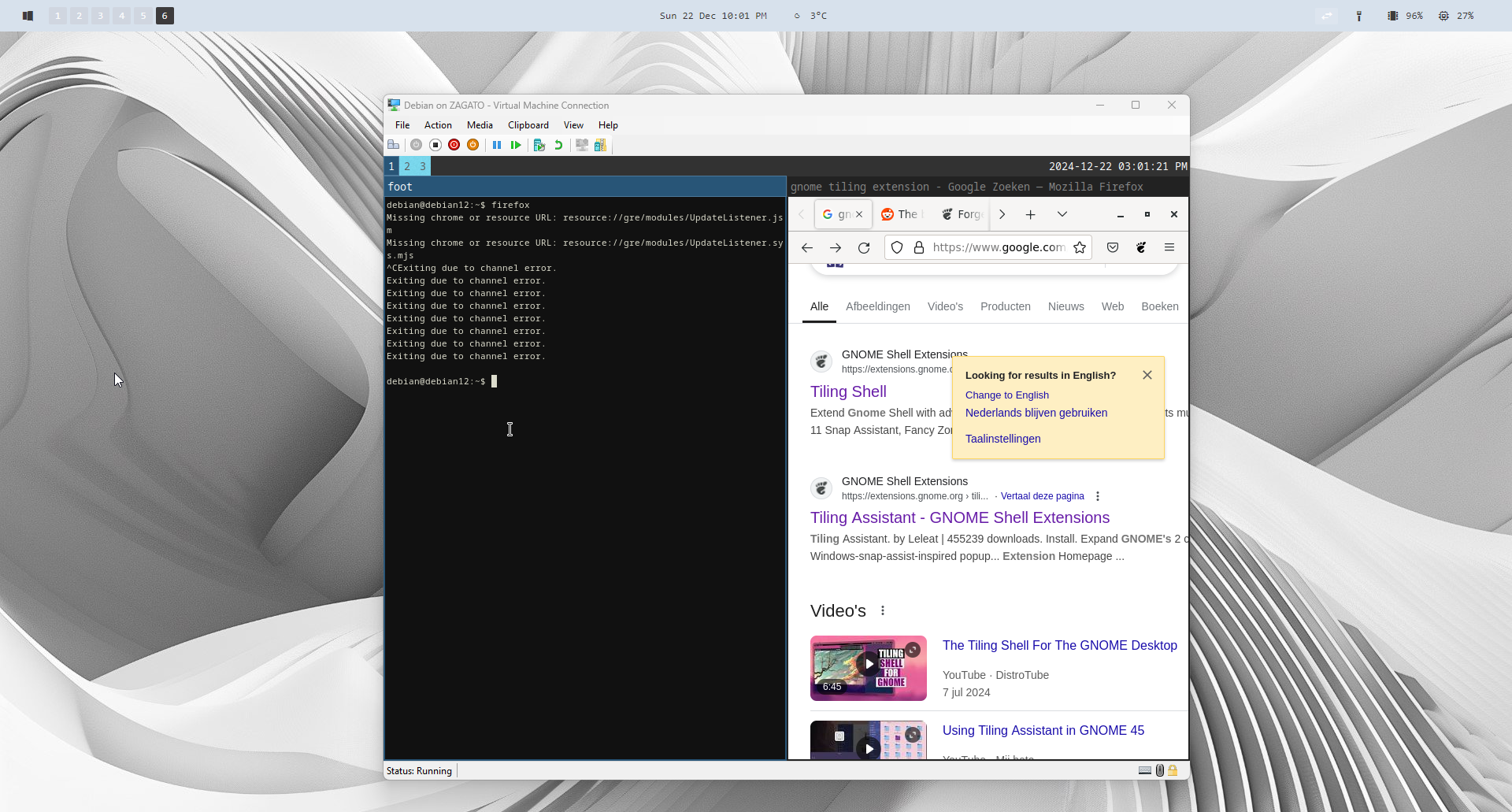
Fast Linux VM on HyperV
I had to test some GNOME features, but I didn’t want to go through the whole process of installing multiple Linux server in Hyper-V.
There are multiple ways to achieve this and the obvious one is called: Vagrant, which works well with VirtualBox and Hyper-V out of the box.
Since I’m too lazy to install a new program, why not grab .VMDK image (VMWare image) and convert it to .VHD or .VHDX with software called: VMDK2VHD Portable available on GitHub and nowhere else…
Grabbed the Linux image from https://www.linuxvmimages.com converted it within minutes and had working Linux guest on Hyper-V. To test several things features of GNOME extensions and tiling window manager.
1. Grab the image from https://www.linuxvmimages.com` or somewhere else.
2. Choose your image Virtualbox or VMWare.
3. Use VMDK2VHD Portable.
4. Convert it
5. New Virtualmachine on Hyper-V.
6. Add disk to new VM
7. Start VM
8. Done no time wasted configuring anything in the install.
